Personal coloring books · German app
Your child.
Their book.
Pick motifs, draw your own or turn a photo into a coloring page. Then order the whole thing as a real, bound book — with your child's name on the front.


- No account
- No ads
- Pictures stay on the device
Not in the stores yet. The newsletter below tells you when it is — and the app's interface is German only.
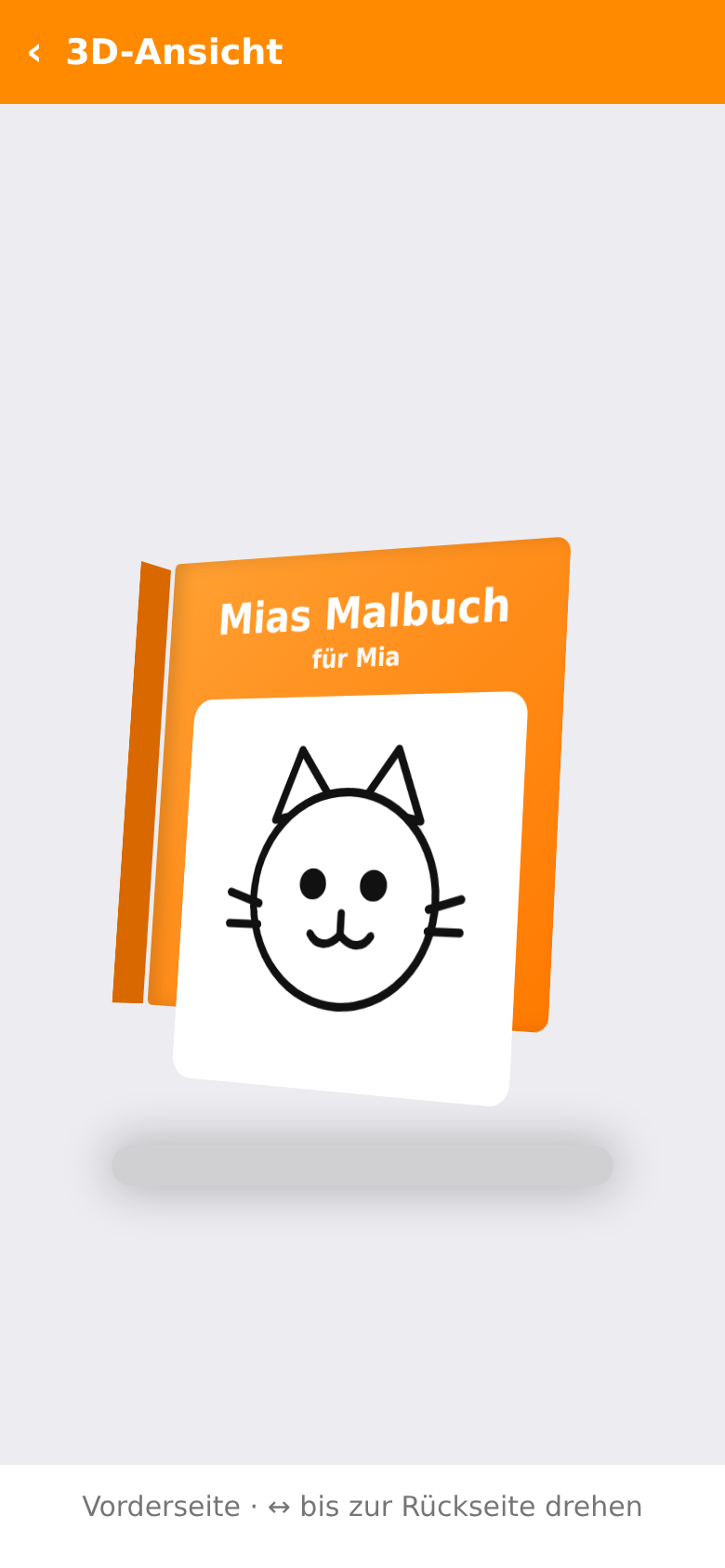
The book
Every page is a decision.
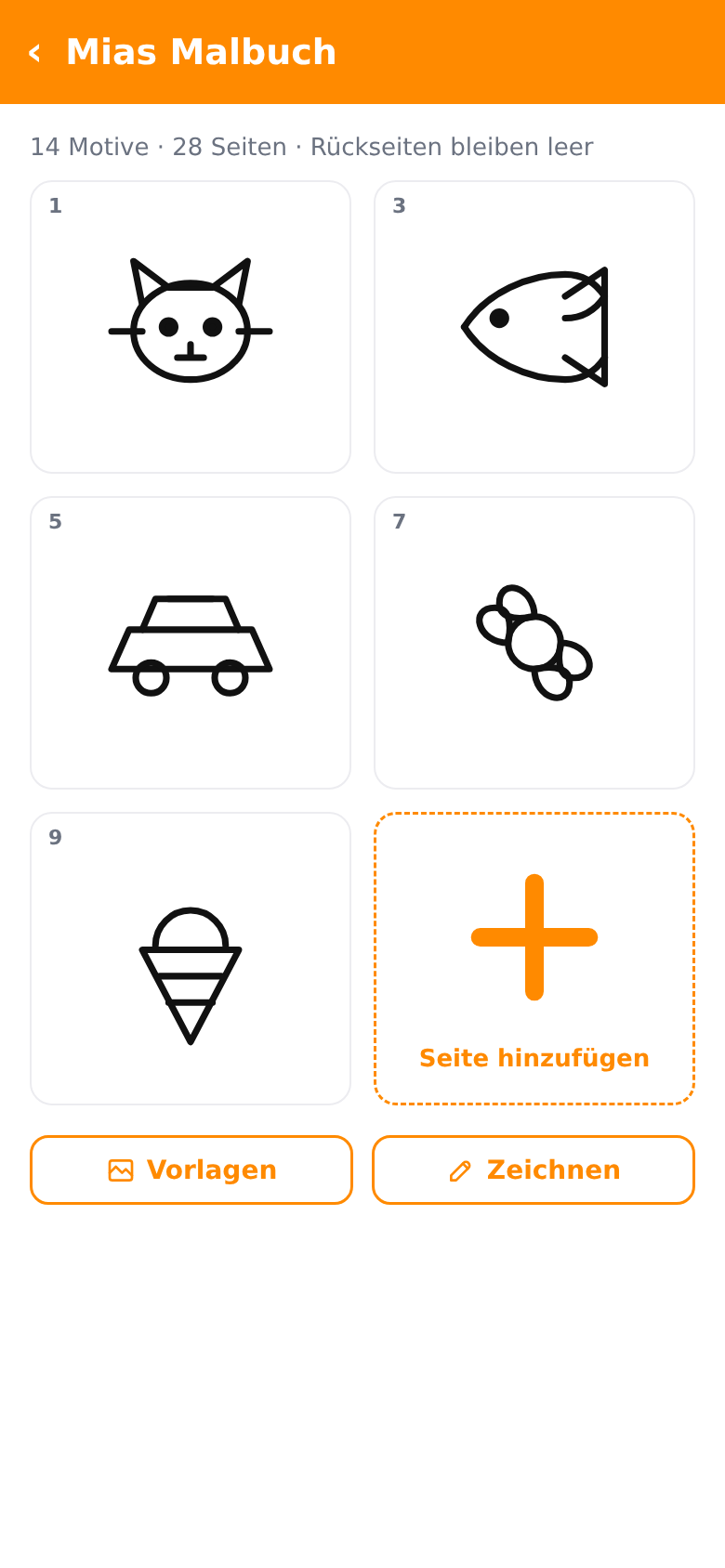
You put the book together page by page: a template here, a drawing of your own there, a photo turned into outlines. The app counts motifs and pages along the way.
A book holds 28 to 200 pages, in steps of two. Behind every motif a page stays blank, so felt-tips cannot show through onto the next picture.
Templates
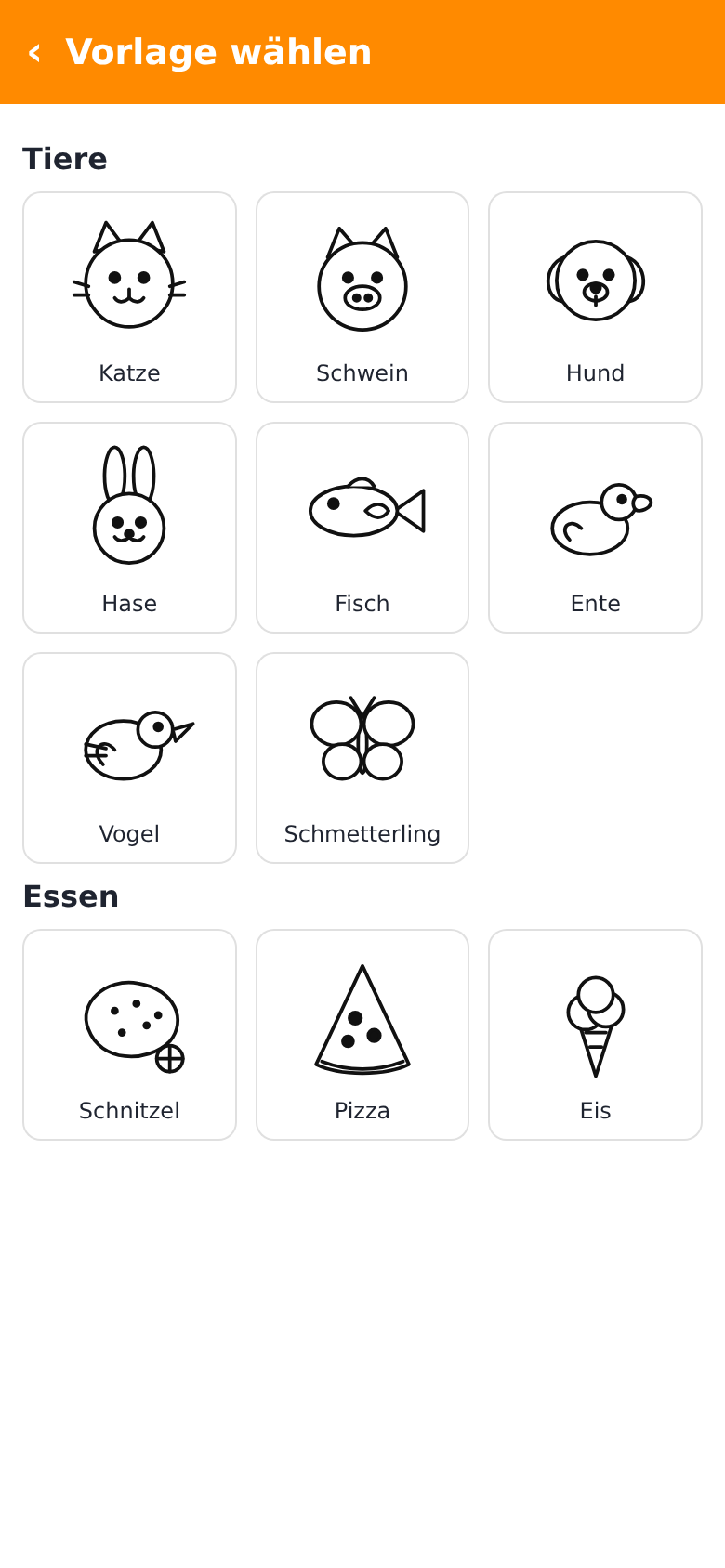
23 motifs, ready to go.
Animals, food, vehicles, nature and shapes — clear outlines with plenty of white space. One tap puts a motif into the book.
A new book can start as an empty one or come with 14 motifs you swap out as you like.
The name on the cover.
The motifs from your life.
That is the whole difference to a coloring book off the shelf.
Photo to coloring page
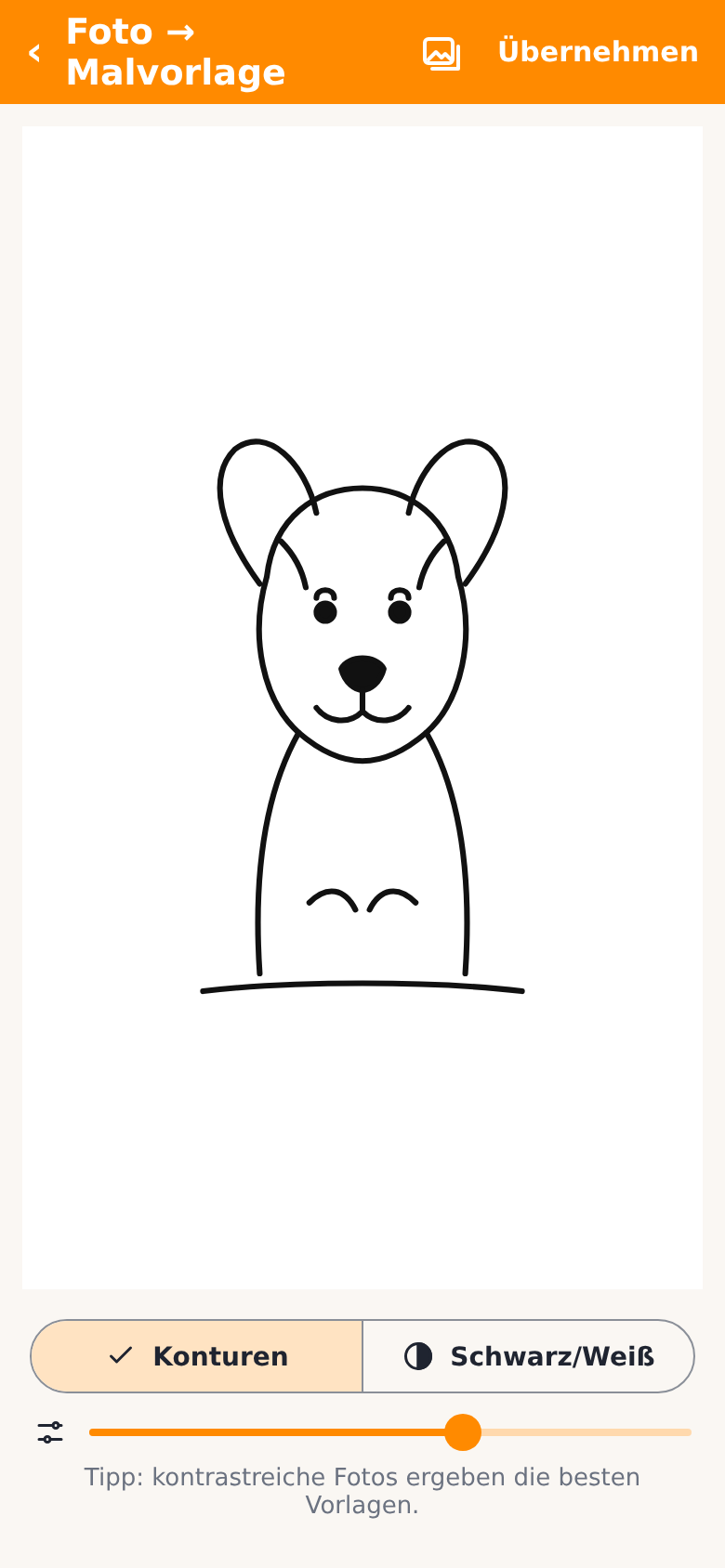
The dog becomes a page.
Pick a photo and the app reduces it to lines. Outlines or plain black and white, with a slider for how much detail survives.
High-contrast photos work best. Everything happens on the phone — no upload, no online service.
For businesses
Your logo on the cover.
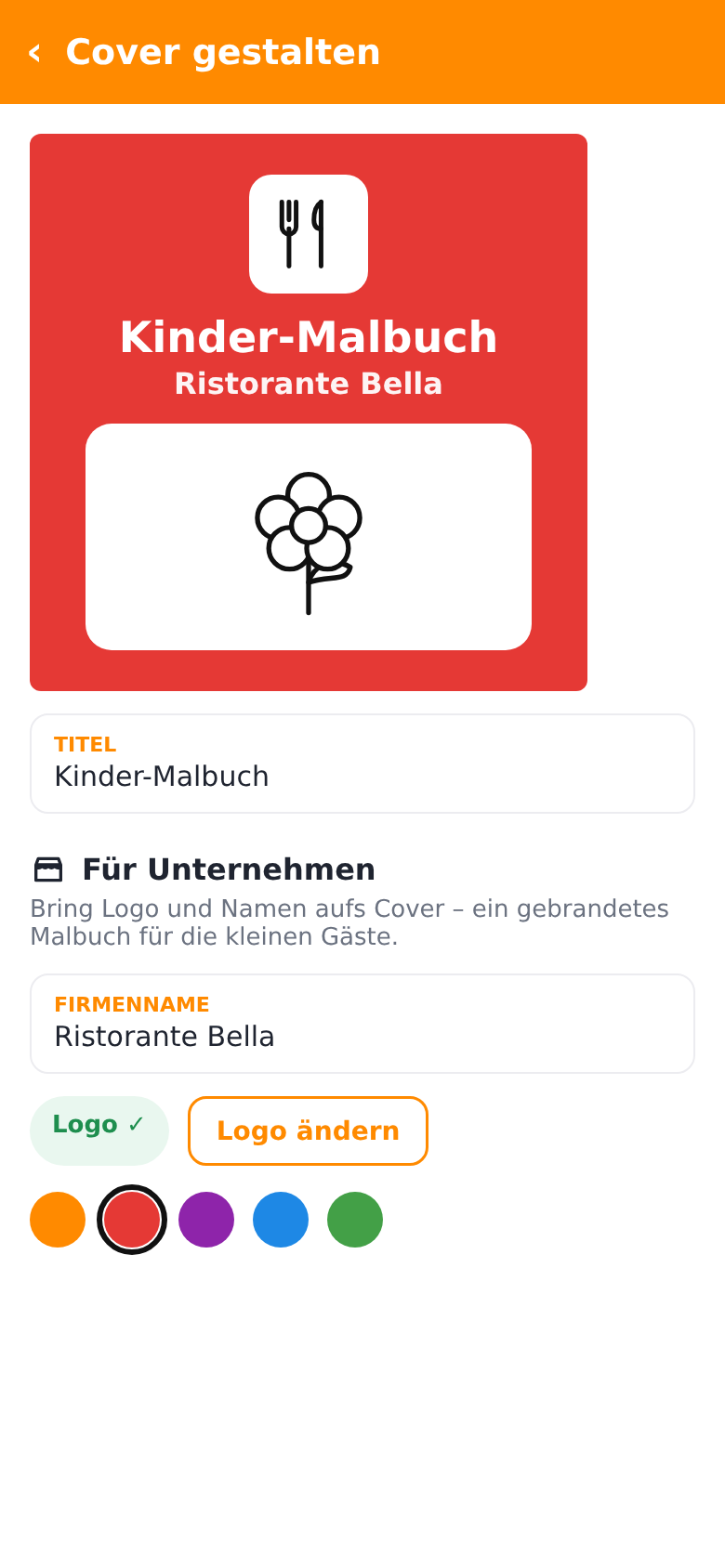
Restaurant, café, practice or shop: put your name and logo on the cover, pick your colour and a motif — and order as many copies as you need.
The logo can go on the front, the back or both. A coloring book for your youngest guests that gets taken home instead of thrown away.
The difference
Not another stack of printouts.
- Motifs off the shelf, the same for everyoneYou choose every single page
- Printed sheets get lost or crumpledA bound book with a name on the cover
- Felt-tips soak through to the next pictureA blank page sits behind every motif
- Children's apps full of ads and sign-upsNo ads, no account, no tracking
- Pictures end up in somebody's cloudEverything stays on the device until you order
What else is in there.
Draw it yourself
A plain white canvas with a stroke-width slider, undo and a clear button.
Turn it and leaf through it
See the book in 3D from the front and the back, and page through it before you order.
Format and binding
Square, portrait or landscape, as a hardcover or a matt softcover. The print service supplies the list.
Blank backs
Switched on by default, which is why the page count runs in steps of two from 28 to 200.
A cover of your own
Title, the child's name, a colour, a gradient and a motif — plus a company name and logo if you need one.
Quiet by design
No ad library, no analytics, no login. Nothing goes over the network until you place an order.
Quick questions.
Who is Malbuch for?
What does Malbuch cost?
How does Malbuch make money?
How many pages can the book have?
Which formats and bindings are there?
Is the app safe for children?
Where do our pictures end up?
Which languages does the app speak?
When is it coming?

Malbuch is not out yet.
The app is being prepared for Google Play and the App Store. Leave your address below and you will hear from us once — on launch day.
Planned for Android and iPhone. The app's interface is German.